How to choose pixel pitch for your viewing distance
A practical method to match pitch, distance and budget.
What pixel pitch means
Pixel pitch is the distance, in millimetres, between the centres of two adjacent pixels. A 1.25 mm wall packs four times more pixels per square metre than a 2.5 mm wall. A smaller pitch gives a finer image up close, but it also raises the LED count, the power budget and the cost per square foot.
The distance rule we use
As a planning rule, multiply the pitch in millimetres by about 3.3 to get the minimum comfortable viewing distance in feet: 1.25 mm ≈ 4 ft, 2.6 mm ≈ 9 ft, 3.91 mm ≈ 13 ft. Below that distance viewers start to see the pixel grid; well beyond it, a finer pitch adds cost without a visible benefit.
Resolution follows size
Resolution is the wall width divided by the pitch. A 16 ft (4.88 m) wide wall at 1.25 mm gives about 3,900 pixels across, close to 4K; the same wall at 2.6 mm gives about 1,870, close to Full HD. Decide first whether the content needs 4K detail (spreadsheets, fine text) or only video and graphics.
A quick decision table
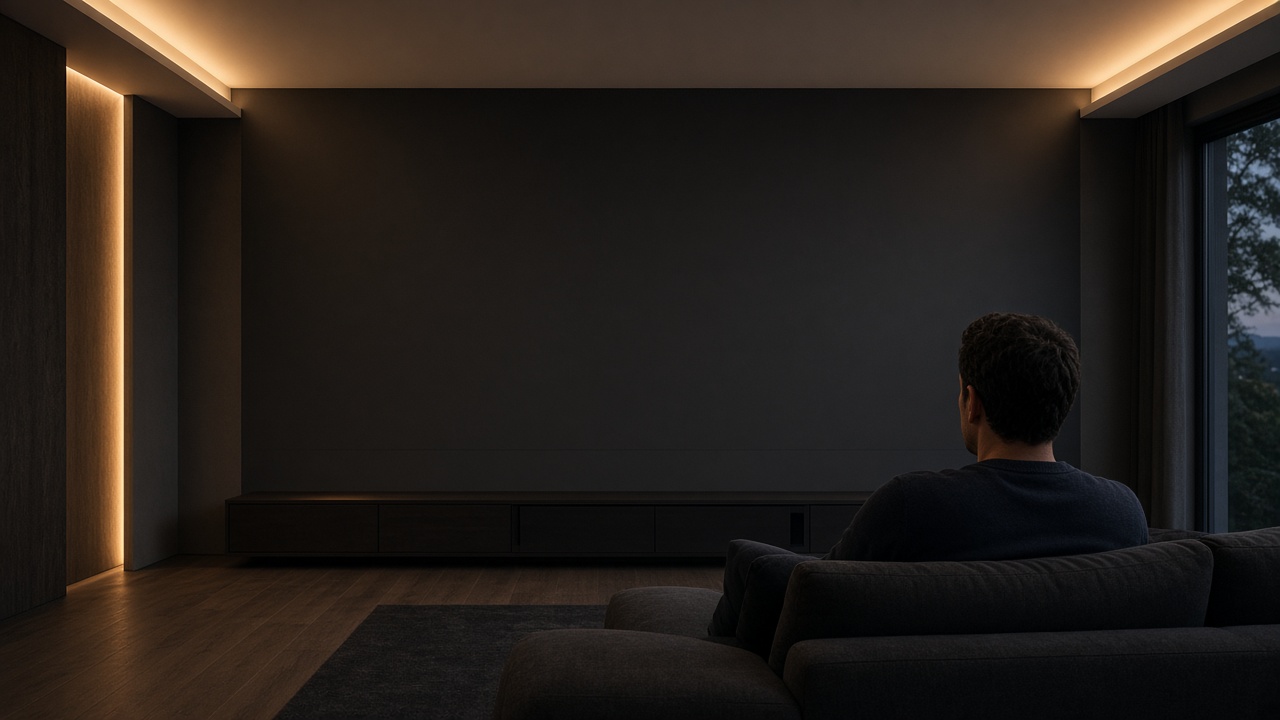
Boardrooms and home cinemas viewed from 6–12 ft: 0.7–1.56 mm. Worship, auditoriums and lobbies from 12–30 ft: 1.9–2.97 mm. Stages and large venues: 2.6–3.91 mm. Outdoor façades and billboards seen from the street: 4.4–10 mm or more.
Balance pitch and budget
Start from the closest seat, not the average one, then compare two neighbouring pitches with our configurator. Often the coarser option paired with a slightly larger wall delivers a better experience for the same investment.
Next steps
Use the instant pricing tool for an example budget or ask Taylor for a formal proposal for your space.
Related products
 Product image · reference
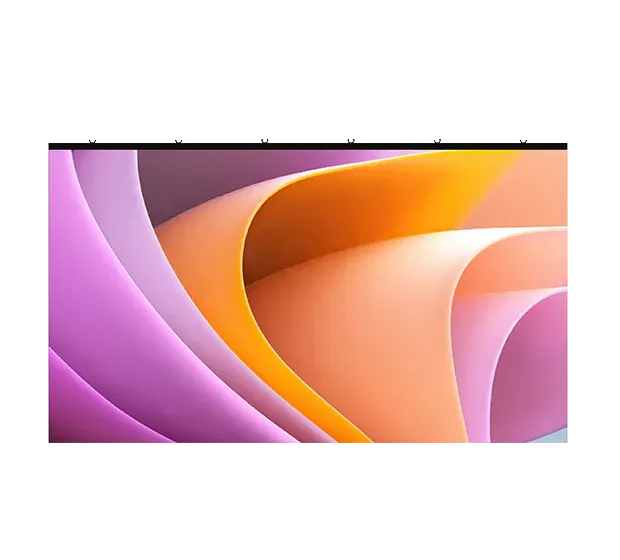
DM COB Series
COB micro-pitch P0.7–P1.56 with power and data backup.
Configure →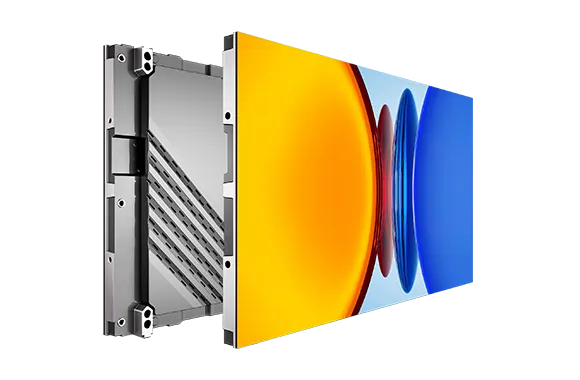 Product image · reference
SPRO Series
P1.25–P1.875 die-cast panels, cable-less and front serviced.
Configure → Product image · reference
RS Series
500 × 500 / 500 × 1000 mm, P1.9–P3.9 indoor and outdoor.
Configure →